
Product Overview
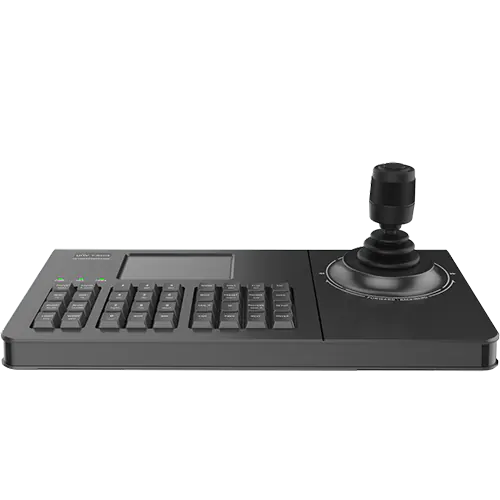
Uniview’s KB-1100-E allows you to quickly control your PTZ cameras using the built-in joystick. It allows for pan and tilt by moving the joystick up, down, left, and right. You can also rotate the joystick clockwise or counter-clockwise to zoom in and out – in a similar motion to turning the keys in your vehicle’s ignition. With a few minutes of practice, you’ll be controlling your PTZ camera like a pro.
This network keyboard has other functions too: Double-tapping the joystick button will immediately save a snapshot to your NVR, while the PREV and NEXT buttons allow you to switch between different cameras on the NVR’s monitor display.
This keyboard also has a web interface, similar to a Uniview NVR, in which you can login an add devices to the keyboard. For more information on how this device works, you may download the user manual.